Restaurant POS
Counter, table, menu, billing, and order control.
Bring front-of-house ordering, counter execution, kitchen handoff, staffing, and customer communication into a suite that can be introduced workflow by workflow.
Customer orders
POS receives order
Kitchen prepares
Token becomes ready
Customer collects
Promotion runs on the display
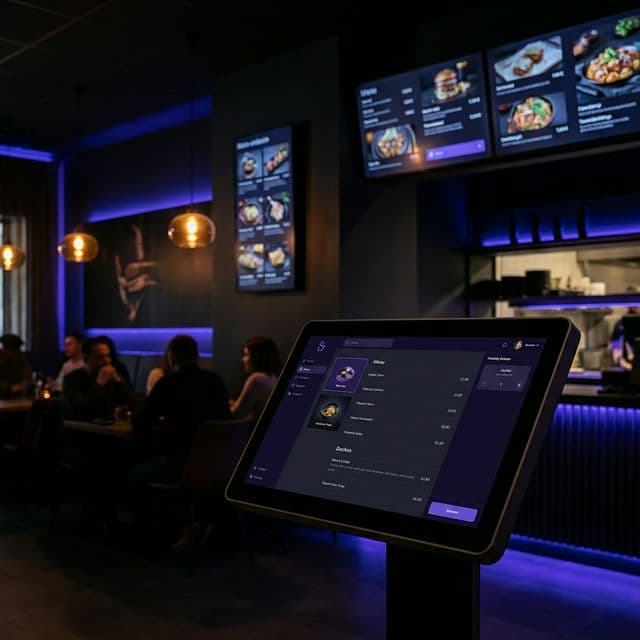
Approved DisplayQue marketing visual. Customer installation photography and a narrated restaurant demonstration will be published only when the assets and permissions are approved.
Counter, table, menu, billing, and order control.
Optional customer-led ordering and checkout.
Preparation visibility suited to the agreed stations and flow.
Pickup communication, menus, and promotions on customer-facing screens.
Hardware is scoped separately unless the proposal explicitly bundles it. Existing equipment is reviewed before compatibility or installation is confirmed.
Confirm counter, table-service, operating-system, and peripheral requirements during discovery.
Review screen size, enclosure, payment, network, accessibility, and installation needs for the selected journey.
Choose the screen or printer handoff that matches preparation stations and the approved workflow.
Confirm display model, mounting, player, orientation, network, and viewing-distance requirements.
Validate printer compatibility, connection method, paper size, and fallback behavior before rollout.
Final scope depends on the selected modules, users, locations, devices, data, and integration requirements.
Customer names and quantified outcomes are shown only after publication permission and measurement review.
Keep orders and service progress from becoming separate manual handoffs.
Give managers a clearer view across counters, staff, and customer-facing screens.
Add self-service and signage without disconnecting them from daily operations.
DisplayQue helps restaurants & cafes teams standardize customer communication, automate repetitive touchpoints, and control every screen from one platform.
Capture assisted or self-service orders.
Coordinate POS and kitchen handoff.
Communicate token or pickup status.
Connect schedules, stock, and branch activity as needed.
Yes. DisplayQue is modular, so the implementation can begin with a focused workflow and expand after fit and setup are confirmed.
Hardware is scoped separately unless it is explicitly included in the proposal. Device, network, payment, printing, mounting, and installation requirements are confirmed during discovery and pilot planning.
Yes. A representative outlet can validate menu setup, roles, ordering, kitchen handoff, pickup communication, devices, and staff training before the approved pattern is extended.
Compatibility depends on the provider, model, operating system, available interface, network, and required workflow. The team reviews those details before confirming scope.
POS workflows for ordering, billing, counters, branch operations, and customer-facing service execution.
Connected CRM for leads, follow-ups, quotations, customer communication, and retention workflows.
HRM and shift management workflows for scheduling, staffing visibility, and team coordination.
Sales workflows for product movement, quotations, billing, customer coordination, and revenue operations.
Coordinate sales, inventory, purchasing, staff, customer activity, and branch-level visibility.
Organize intake, queues, cases, counters, staff handoffs, and public status communication.
Connect customers, quotations, work, people, documents, approvals, and reporting for office-based teams.
Coordinate branches, inventory, service work, approvals, and live operational visibility.
Connect leads, customers, quotations, orders, billing, and follow-through.
Manage employee records, schedules, time, leave, payroll, and documents.
See daily sales, stock, staffing, service flow, and branch work together.