One app for enabled platforms
Move among the DisplayQue platforms configured for your account without maintaining separate mobile apps.
DisplayQue Plus brings supported dashboards and daily workflows from your enabled business platforms into one focused mobile app.
Download DisplayQue Plus

DisplayQue Plus mobile design preview
Designed around the shared app header and navigation.
Explore your display network, arrange content, and plan what plays next.
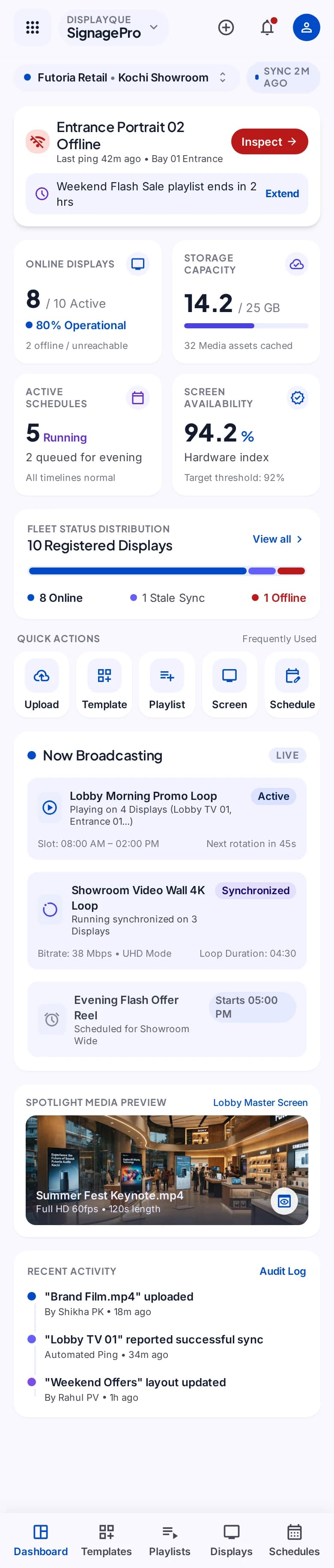
Select a step to explore the mobile design. This demonstration uses sample content and does not change your workspace.
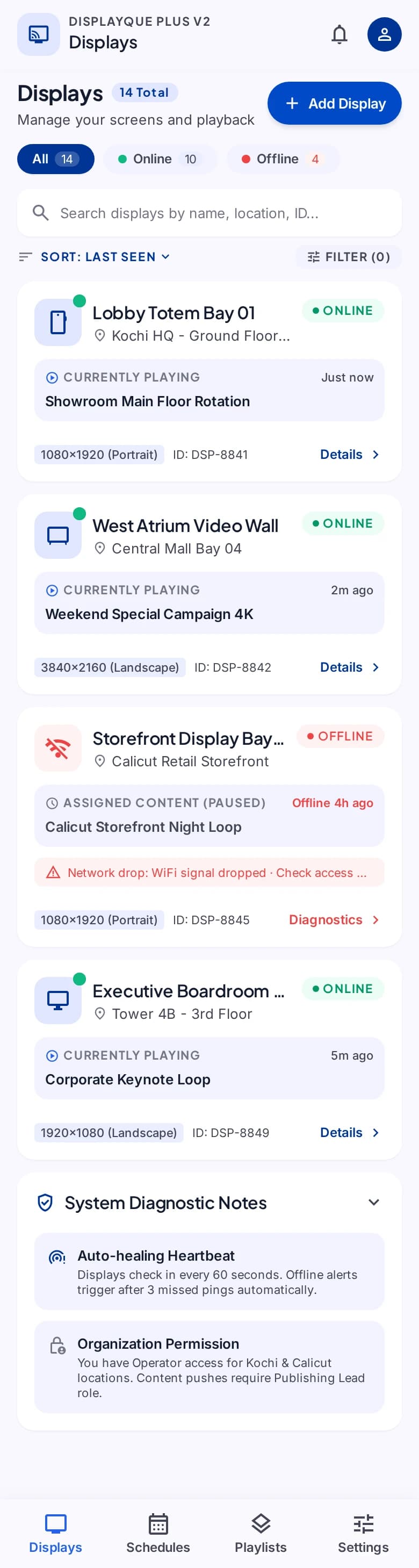
A destination for your message.
The mobile experience stays connected to DisplayQue while respecting the platforms, modules, and permissions available to each account.
Move among the DisplayQue platforms configured for your account without maintaining separate mobile apps.
Open dashboards, listings, detail views, and supported actions in a workspace built for smaller screens.
Use familiar navigation and search patterns to reach the records and modules available to your role.
Keep operational context close at hand as your team works across web and mobile experiences.
Review supported dashboards and move into the records behind them from a native interface made for quick checks and focused actions.
Tour the current mobile experience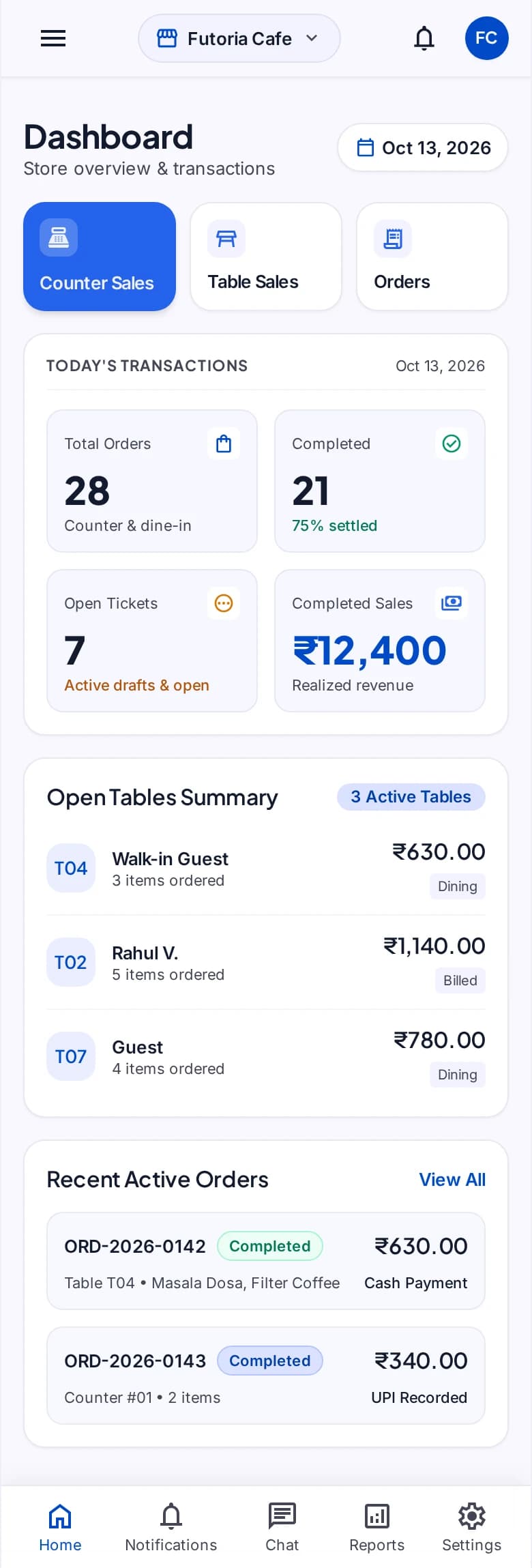
Ready when you are
Download the app, then sign in with your DisplayQue account. Need help first? Review app support or our privacy policy.