Employee records and roles
Maintain employee identity, employment context, documents, and platform-aware access responsibilities.
Manage employee records, access roles, attendance, leave, schedules, timesheets, payroll context, onboarding, and workforce documents.
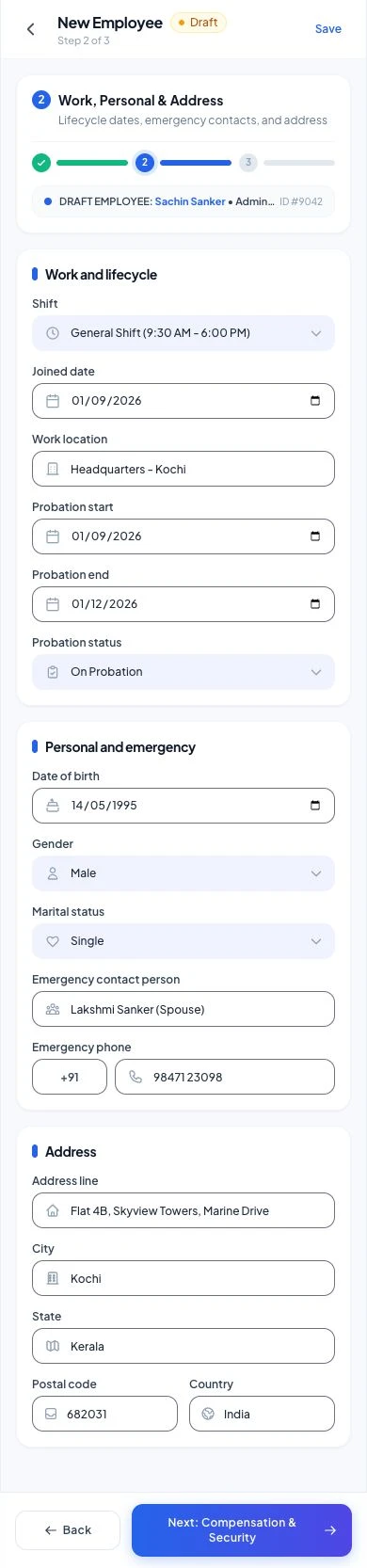
Explore shared employee onboarding, work details, and access setup from a mobile flow.
Employee onboarding design from the shared people module, shown with the HRM app navigation.
HRM connects durable employee records with the daily time, availability, schedule, leave, document, and payroll processes teams use. It keeps workforce context close to the operational platforms where employees perform their work.
Start with the modules your workflow needs and keep the surrounding business context connected as the platform expands.
Maintain employee identity, employment context, documents, and platform-aware access responsibilities.
Capture time and attendance context and review the records used by workforce operations.
Coordinate requests, availability, approvals, and the effect on team coverage.
Plan work, organize shifts, and connect approved workforce records to payroll preparation.
Select a step to explore the mobile design. This demonstration uses sample content and does not change your workspace.
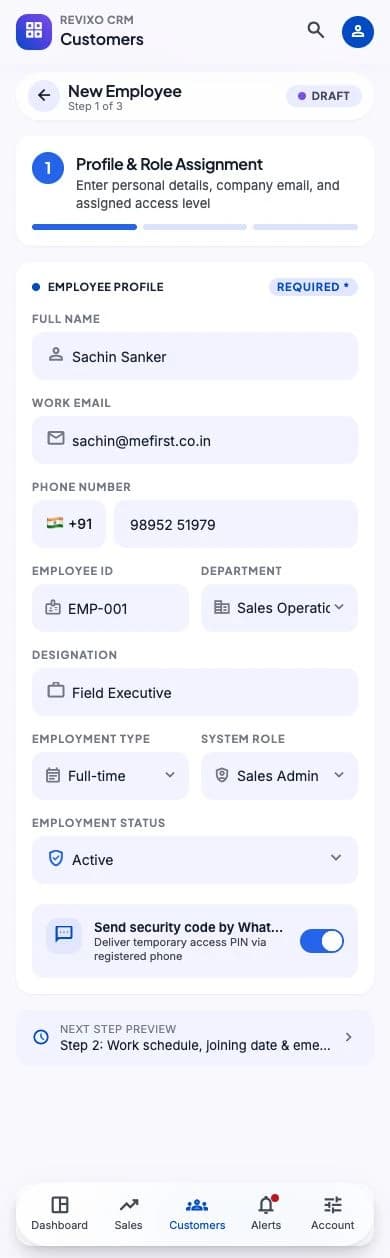
One employee record anchors the workflow.
Exact module availability, configuration, and data scope are confirmed for each implementation.
Use the product tour for a broader suite walkthrough or continue to the closest focused product or solution page.
Coordinate intake, customer and product context, technicians, status movement, documents, notes, commercial activity, and service history.
View ServiceSupport retail, restaurant, bakery, counter, table, menu, kitchen, payment, and stock workflows through a flexible point-of-sale platform.
View POSRun structured B2B selling and direct B2C transactions with shared customers, products, inventory, documents, suppliers, and reporting.
View SalesTell us which teams, locations, modules, and customer journeys you need to connect. We will shape the demo around that operating context.