Counter and retail sales
Build fast assisted transactions with shared products, pricing context, customers, and stock.
Support retail, restaurant, bakery, counter, table, menu, kitchen, payment, and stock workflows through a flexible point-of-sale platform.
See transactions, tables, and orders together, then follow the counter-sale journey.
Selected mobile designs, shown with the shared DisplayQue Plus app navigation.
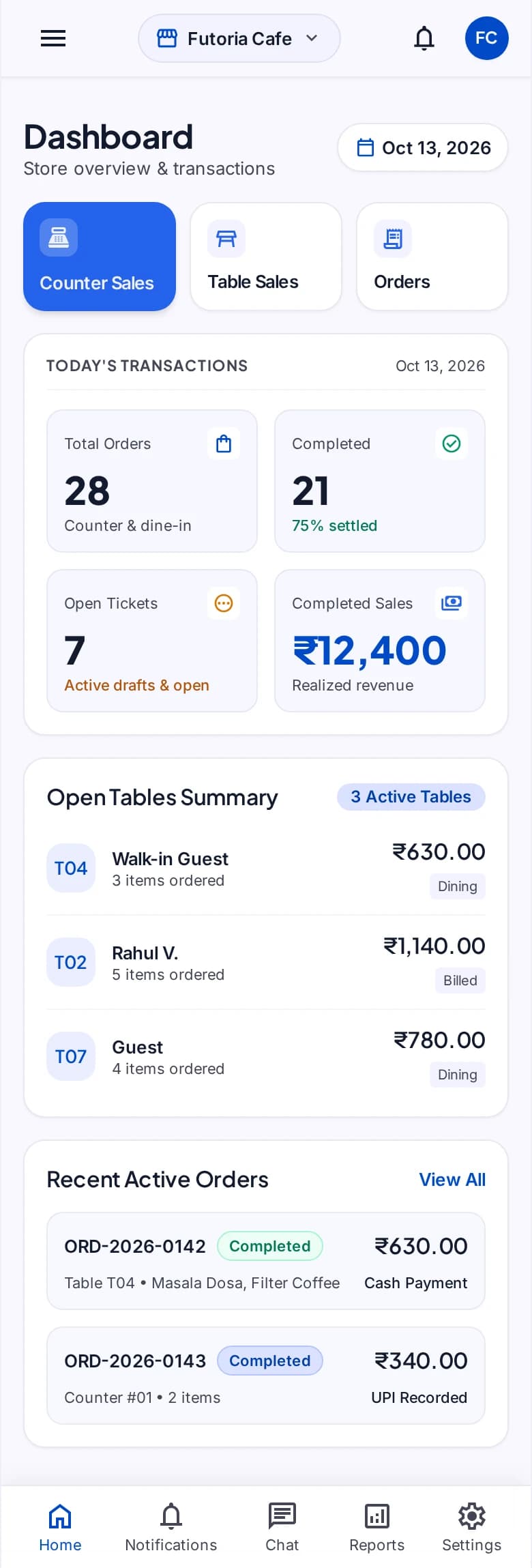
POS handles the high-frequency transaction while keeping products, customers, inventory, orders, kitchens, tables, staff, and branch context available to the wider suite. Teams can configure the flow around the way each location sells and serves.
Start with the modules your workflow needs and keep the surrounding business context connected as the platform expands.
Build fast assisted transactions with shared products, pricing context, customers, and stock.
Support restaurant and café ordering structures with menus, table context, and configurable choices.
Move food orders from sale to preparation and keep fulfilment status visible to the operating team.
Keep payment state and inventory movement connected to the completed transaction and branch.
Select a step to explore the mobile design. This demonstration uses sample content and does not change your workspace.
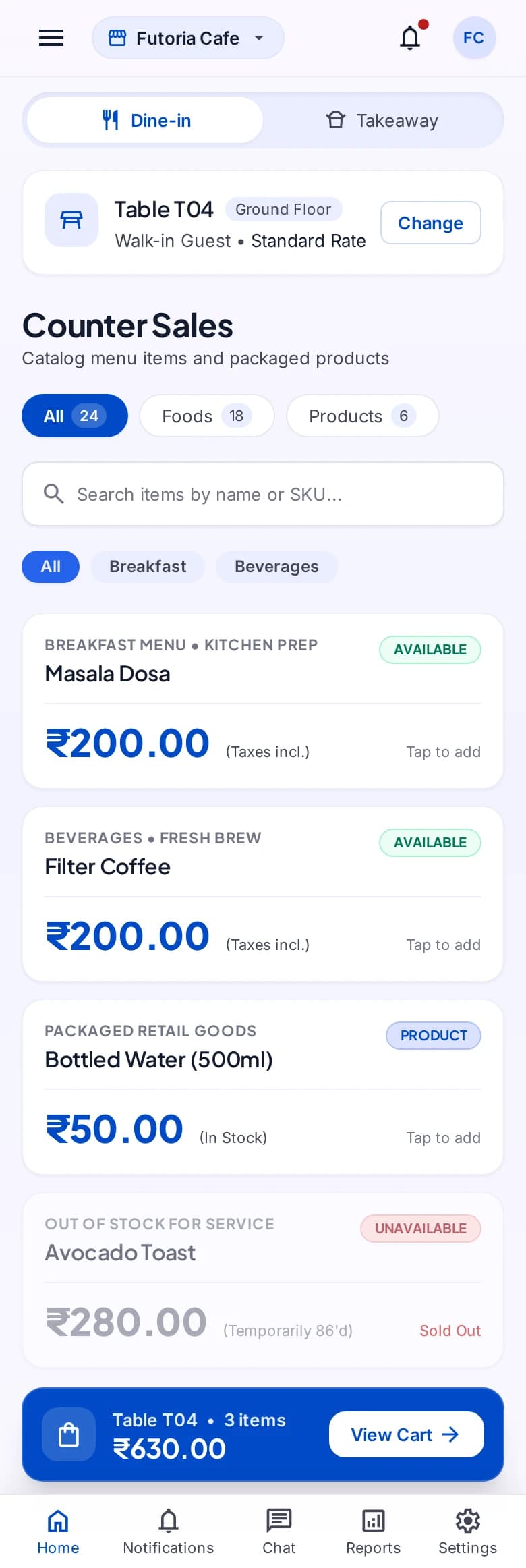
An order begins with the right menu.
Exact module availability, configuration, and data scope are confirmed for each implementation.
Use the product tour for a broader suite walkthrough or continue to the closest focused product or solution page.
Run structured B2B selling and direct B2C transactions with shared customers, products, inventory, documents, suppliers, and reporting.
View SalesPublish token, queue, counter, pickup, service, and other live status information through configurable boards and customer-facing displays.
View StatusBoardOrganize media, templates, playlists, zones, schedules, campaigns, screens, and device groups through one digital-signage platform.
View SignageTell us which teams, locations, modules, and customer journeys you need to connect. We will shape the demo around that operating context.