Floor plans and viewpoints
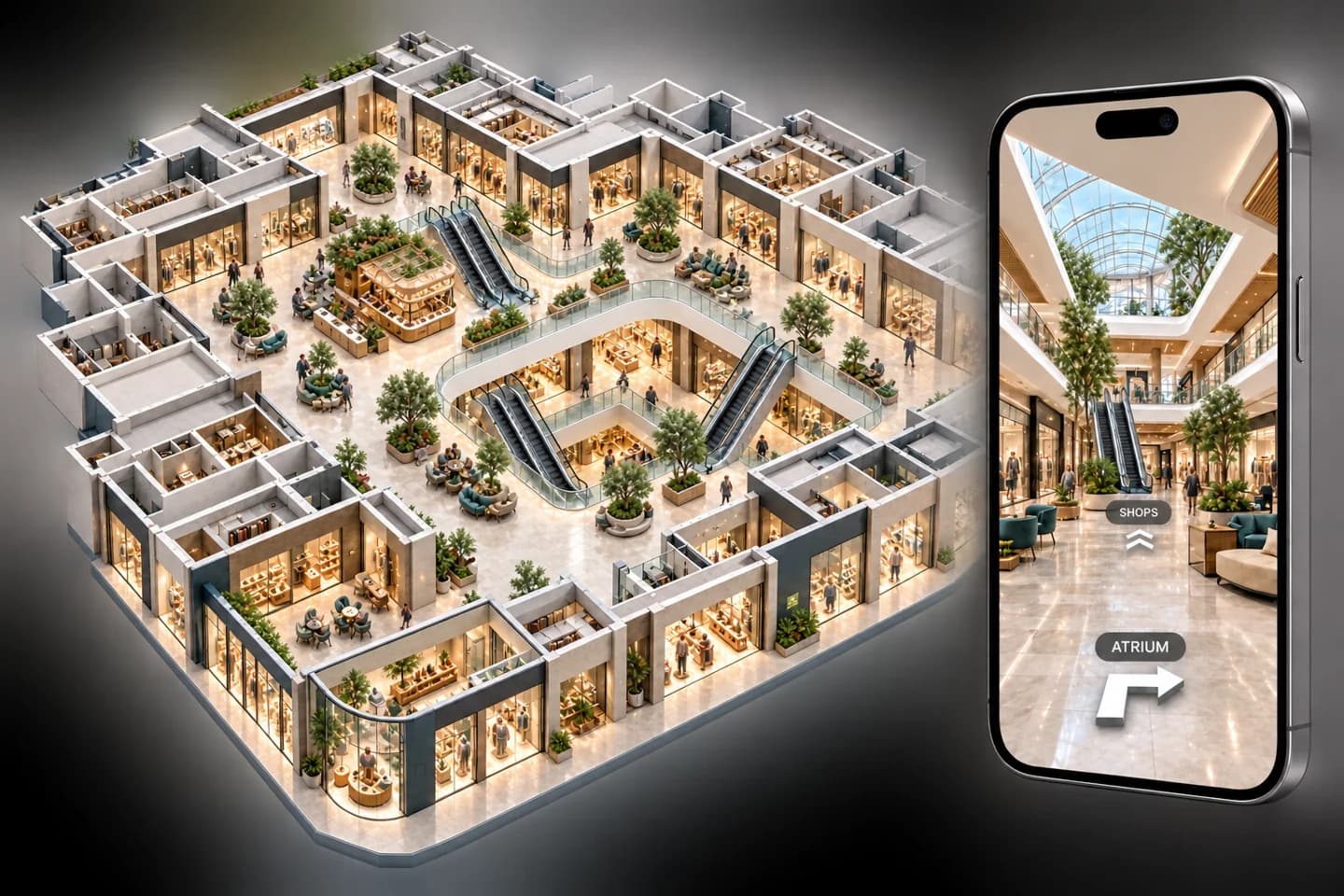
Prepare floor sections, place viewpoints and set eye height, opening direction and clear room names.
Create immersive tours from 3D models, present spaces on an interactive display and share the finished experience with clients.
Take a closer look
Turn a 3D model into a virtual tour, present it on an interactive display and share it with clients. Download the brochure for a visual overview you can share with your team.
Download brochure PDF4 pages · PDF · 33.2 MB · No signup required
360 Studio connects desktop tour creation with client presentation. Import a GLB model, prepare floor plans and viewpoints, tune lighting, render panoramas and publish a connected tour that people can explore in a compatible browser.
Start with the modules your workflow needs and keep the surrounding business context connected as the platform expands.
Prepare floor sections, place viewpoints and set eye height, opening direction and clear room names.
Review quick previews, adjust lighting and render native 4096 x 2048 panoramas locally.
Connect rooms with navigation markers and explore the prepared tour on a compatible interactive display.
Share a published-tour link with expiry and revocation controls, or deliver the exported tour folder.
Import a GLB model and organise its floor plans and viewing positions.
Set viewpoints, room navigation, lighting and preview settings.
Prepare panoramas locally, review the result and publish the connected tour.
Explore together on a compatible display or send the tour experience to clients.
Exact module availability, configuration, and data scope are confirmed for each implementation.
Use the product tour for a broader suite walkthrough or continue to the closest focused product or solution page.
Organize media, templates, playlists, zones, schedules, campaigns, screens, and device groups through one digital-signage platform.
View SignageRun structured B2B selling and direct B2C transactions with shared customers, products, inventory, documents, suppliers, and reporting.
View SalesCoordinate intake, customer and product context, technicians, status movement, documents, notes, commercial activity, and service history.
View ServiceTell us which teams, locations, modules, and customer journeys you need to connect. We will shape the demo around that operating context.